
Optimize your sales routes and maximize your field presence
MapFlow automatically plans the routes of your field sales reps, prioritizes high-potential prospects and syncs every visit report into your CRM — with zero manual re-entry.

Automated visit reports synced to your CRM
At the end of every meeting, a visit report form triggers automatically on the rep's phone: meeting summary, next action, opportunity status. Everything syncs to Salesforce or HubSpot in real time — no manual re-entry.
Territory mapping and exclusive sales zones
Divide your catchment area into exclusive territories on an interactive map. Each rep is assigned their own geographic zone, and route optimization respects these boundaries to ensure balanced portfolio coverage.
Smart prioritization of prospects and strategic accounts
MapFlow pulls scores and data from your CRM to automatically slot hot prospects and strategic clients into the highest-performance time windows of the day. Differentiated visit cycles are respected: weekly for an A client, monthly for a B prospect.
+40%
client visits per rep per day
-25%
travel time between appointments
+15%
conversion rate on visited prospects

The route optimization software built for field sales teams
A field sales rep spends an average of 30 to 40% of their time driving. Without a sales route optimization tool, those trips are often poorly planned, high-potential prospects are not visited first, and meeting notes never make it back into the CRM. MapFlow automatically calculates the optimal route plan for each rep, factoring in geographic territory boundaries, per-client visit frequencies and prospecting priorities. Result: your reps visit up to 40% more clients per day, with an up-to-date CRM pipeline and full visibility over territory coverage.
Key features for managing your field sales force
- Automatic visit report form triggered after each meeting, with two-way sync to Salesforce, HubSpot or any other CRM via API.
- Geographic territory mapping with exclusive zones per rep or team, displayed and editable on the interactive map.
- Automatic visit prioritization based on client potential, CRM score and defined visit frequency (weekly, monthly, quarterly).
- Mobile app for field reps: daily route view, turn-by-turn navigation, field forms and per-client visit history.
- Sales management dashboard: visits completed, coverage rate by territory, productivity KPIs per rep and real-time GPS tracking.

Daily challenges for field sales managers
Managing a field sales team means juggling conflicting priorities: maximizing daily visits while targeting the right prospects, ensuring every geographic territory is covered without overlap, and getting reliable visibility into actual field activity. Without the right planning tool, sales managers face incomplete CRMs (reps never re-enter their visits), under-covered territories (some strategic accounts haven't been visited in months), and lost opportunities due to lack of structured follow-up. Every hour spent in the car is an hour not spent face-to-face with a client.
Measurable ROI from the first month
Sales teams using MapFlow to plan their routes see on average +40% client visits per rep per day, thanks to route optimization and elimination of unnecessary travel. Travel time between appointments drops by 25%, and conversion rates improve by 15% thanks to better prioritization of hot prospects. CRM re-entry is eliminated: every visit automatically generates a structured report. ROI is typically achieved in less than 4 weeks for a team of 5 reps or more.
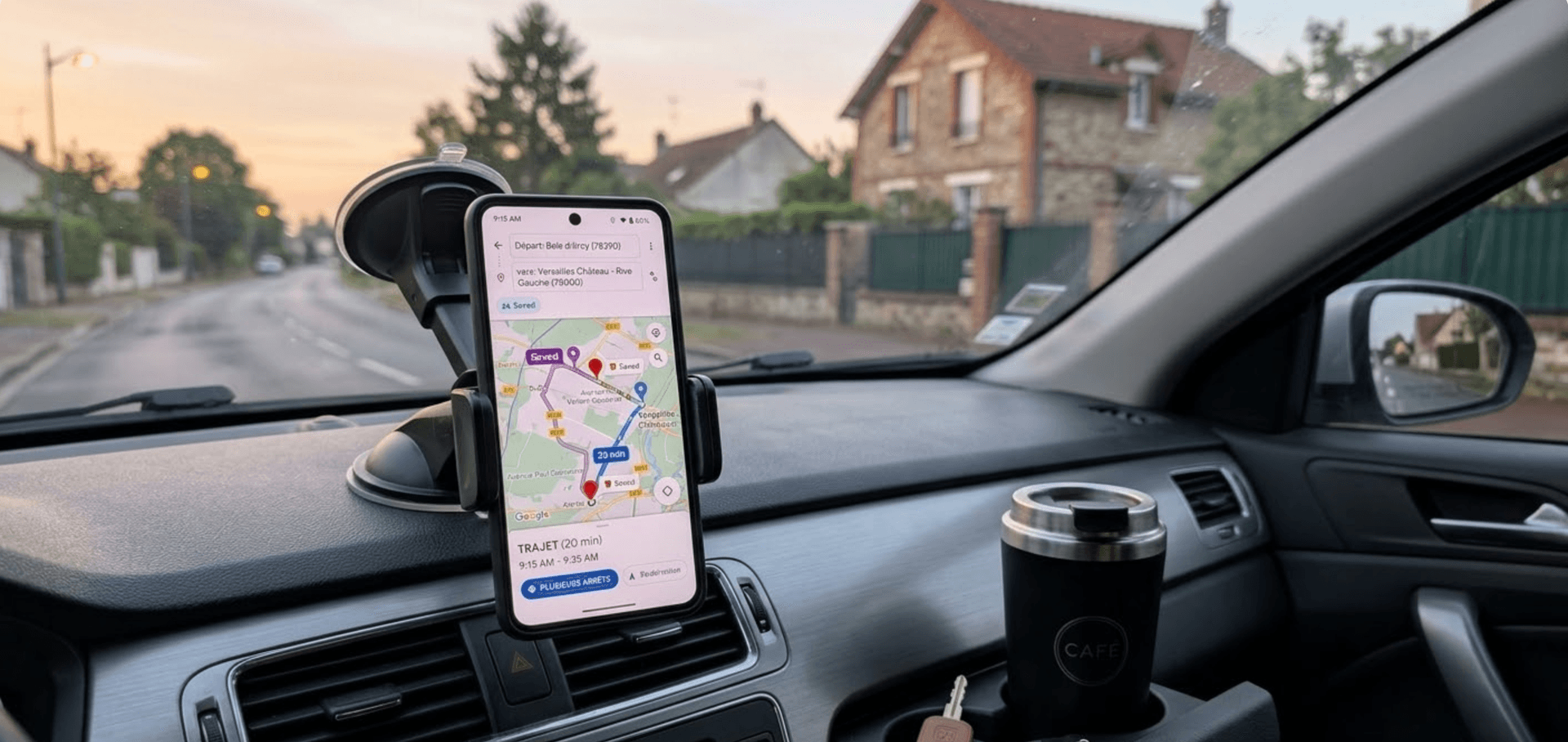
A typical day with MapFlow for a team of 8 field sales reps
8:00 AM — the sales manager checks the MapFlow dashboard. All 8 reps already have optimized routes: each plan respects territorial boundaries, per-client visit frequencies and prospecting priorities. Two high-potential prospects have been automatically moved to early morning slots, when availability rates are highest. 10:30 AM — a rep wraps up a meeting with a strategic account. The visit report form opens on their phone: meeting summary, commitment obtained, next action scheduled. In 45 seconds, HubSpot is up to date. Zero re-entry at the office. 2:00 PM — the sales manager receives an alert: a territory in east Paris has had no visits for 3 weeks. They reassign 4 priority prospects to the next day's route of a rep whose adjacent territory is well covered. 5:30 PM — end of day recap: 62 visits completed by the team (vs. 38 before MapFlow), portfolio coverage rate at 94%, and 100% of visit reports synced into the CRM.
MapFlow is built for you if…
- 3 or more field sales reps
- CRM underused by field teams
- Under-covered territories or key accounts
- Need for real-time field activity visibility

Concrete results for your commercial performance
With MapFlow, each rep visits more clients per day thanks to optimized routes that minimize drive time between appointments. Your CRM pipeline is fed automatically after every visit — with zero re-entry effort from your teams. Sales managers have full real-time visibility over territory coverage, visit frequency compliance and individual rep productivity. Geographic territory mapping ensures fair portfolio distribution and eliminates territory overlap.
+40%
client visits per rep per day
-25%
travel time between appointments
+15%
conversion rate on visited prospects
Frequently Asked Questions
Does MapFlow sync with Salesforce, HubSpot and other CRMs?
How does geographic territory mapping work?
Can we set different visit frequencies depending on client potential?
How much does MapFlow cost for a field sales team?
Does MapFlow replace our CRM, or does it work alongside it?
How long does it take to deploy MapFlow with a sales team?
Related resources
Ready to optimize your routes?
Join over 150 companies that have already transformed their logistics with MapFlow. 15-day free trial, no commitment.